
 English
Why PDFs Print Differently Without a Genuine PostScript3 Unit
Why PDFs Print Differently Without a Genuine PostScript3 Unit
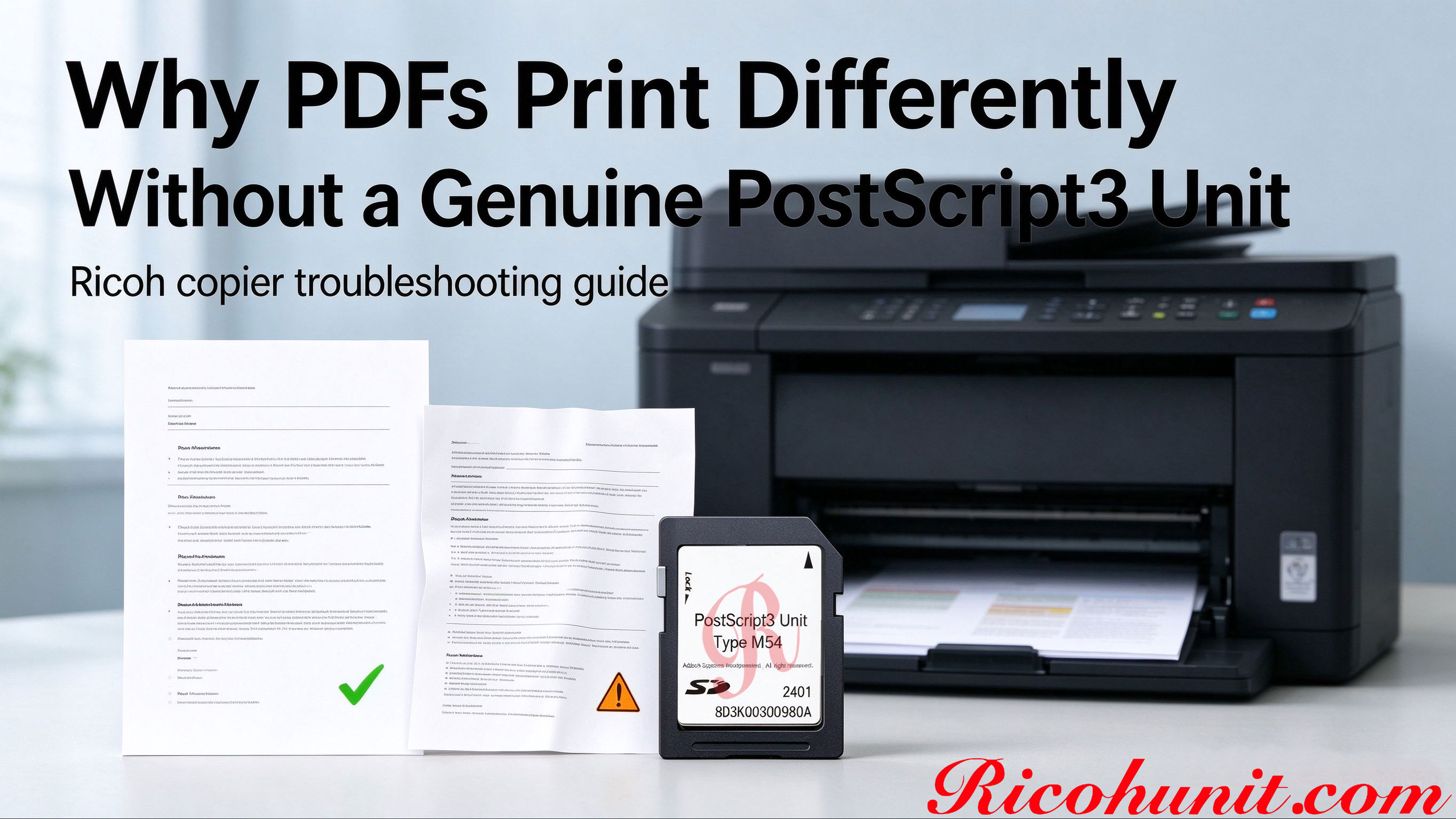
A PDF that looks perfect on screen can come out wrong on a Ricoh multifunction printer: swapped fonts, shifted logos, broken vector lines, muddy colors, or a layout that changes every time you switch computers. Before blaming toner, paper or the driver alone, check one often-missed upgrade: the machine's PostScript3 Unit. This article explains why the missing option changes PDF output, the symptoms to recognize, and the first checks to run before ordering a replacement module.
Two Paths a Print Job Can Take
Without a PostScript3 Unit, the machine typically relies on a host-based RPCS or PCL driver. Your computer rasterizes the page before sending it to the printer. Fonts are substituted on the PC, vector objects are redrawn by the host, and color conversion can differ from one computer to another, so the printed result depends on the machine that sent the job.
With a genuine PostScript3 Unit installed, the printer-side PostScript interpreter receives the page description directly. Embedded fonts, vector outlines and color data are preserved in the print path, which is why the same complex PDF prints more consistently regardless of which PC or software sent it.
Common Symptoms and What They Usually Point To
|
Symptom |
Likely Cause |
First Check |
|
Fonts look replaced or characters break up |
Host rasterization substitutes fonts; no PostScript path |
Check the Option list; print the same file from two PCs |
|
Logo or line drawing shifts position |
Vector objects are not rendered natively on the printer |
Confirm the PostScript3 option; test a vector PDF |
|
Color output looks dull or differs from the screen |
Color data is handled by the host PC |
Check color profile settings and the PS3 option status |
|
Layout changes between different computers |
Each PC rasterizes the job with its own fonts and settings |
Compare driver settings and test on a PS3-enabled machine |
|
The driver menu has no PostScript3 choice |
The PostScript hardware option is absent |
Identify the exact machine family and matching unit type |
How to Check Whether Your Ricoh Already Has PS3
1. On the operation panel, open User Tools > Machine Features > Option and look for a PostScript-related installed option.
2. On the PC, open Printer Properties and check whether the driver offers a PostScript3 choice.
3. Print one known complex PDF from two different computers and compare the output side by side.
4. Record the exact machine model name; the matching unit type depends on the machine family, not the page count or appearance.
Matching Genuine Units to Common Ricoh Families
|
Machine Family |
Suggested Unit Type |
Note |
|
IM 370, IM 370F, IM 460F, IM 460FTL |
Desktop black-and-white family; verify the exact model before ordering |
|
|
IM C2510, C3010, C3510, C4510, C6010 |
Color mid-family; match the color machine to the color-family option |
|
|
IM 2500, 3000, 3500, 4000, 5000, 6000 (B&W) |
High-volume monochrome family |
|
|
Any other Ricoh model |
Send the exact model for confirmation |
Do not guess the type number; a mismatched module will not activate |
A Practical Note for Buyers and Refurbishers
Refurbished Ricoh machines are often sold in a base configuration without the PostScript option. Pre-installing the correct genuine unit can improve the machine appeal for graphics-focused buyers, but it should be tested with a real PDF set before listing, and the listing should state honestly whether PS3 is installed. If your only evidence so far is one wrong print, run the four checks above first so the replacement part solves the actual cause.
FAQ
Is garbled PDF printing always caused by a missing PostScript3 Unit?
Not always: driver settings, firmware levels, a corrupted file and missing embedded fonts can also contribute. But if output differs between computers and the Option list shows no PostScript option, the missing unit is the first item to check.
Will reinstalling the PCL driver fix shifted PDFs?
It can clean a confused driver profile, but it cannot add printer-side PostScript rendering. Complex graphics files rely on the PS3 hardware path.
Which Ricoh unit should I buy for my machine?
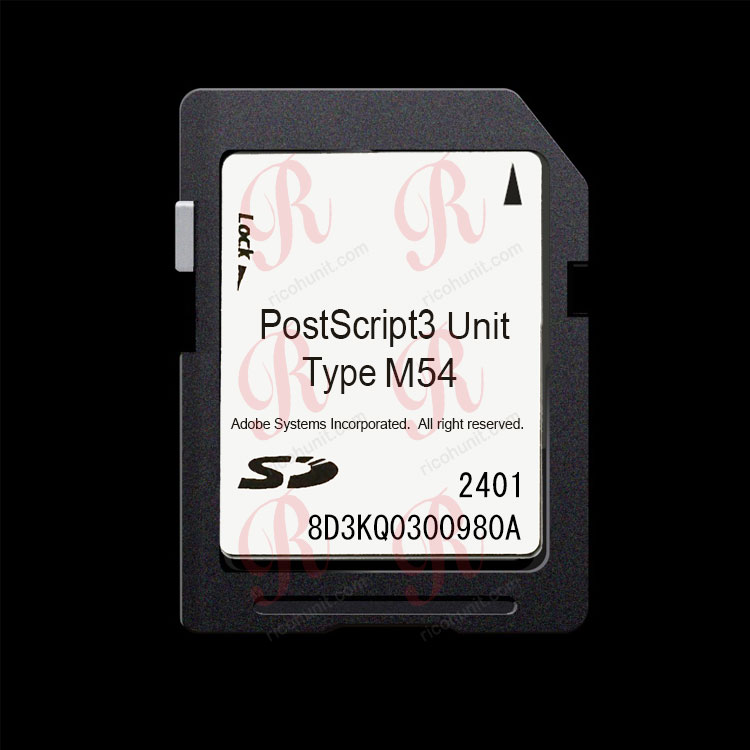
Match by exact model. Type M54 covers the IM 370 / 460F series, Type M52 the IM C2510 to C6010 family, and Type M45 the IM 2500 to 6000 black-and-white family. Send the full machine name for anything outside these examples.
Can an emulation card fix garbled PDF output completely?
Simple documents may improve, but layered PDFs, vector logos and color proofs still carry substitution and shift risk. A genuine unit is the safer choice for reliable graphics output.
Do you supply replacement units at wholesale?
Yes, we supply genuine Ricoh PostScript3 Units by machine type for dealers, refurbishers and service companies. Send the machine models and quantity for a wholesale quote.
Contact ricohunit.com for wholesale pricing: [email protected]