
 English
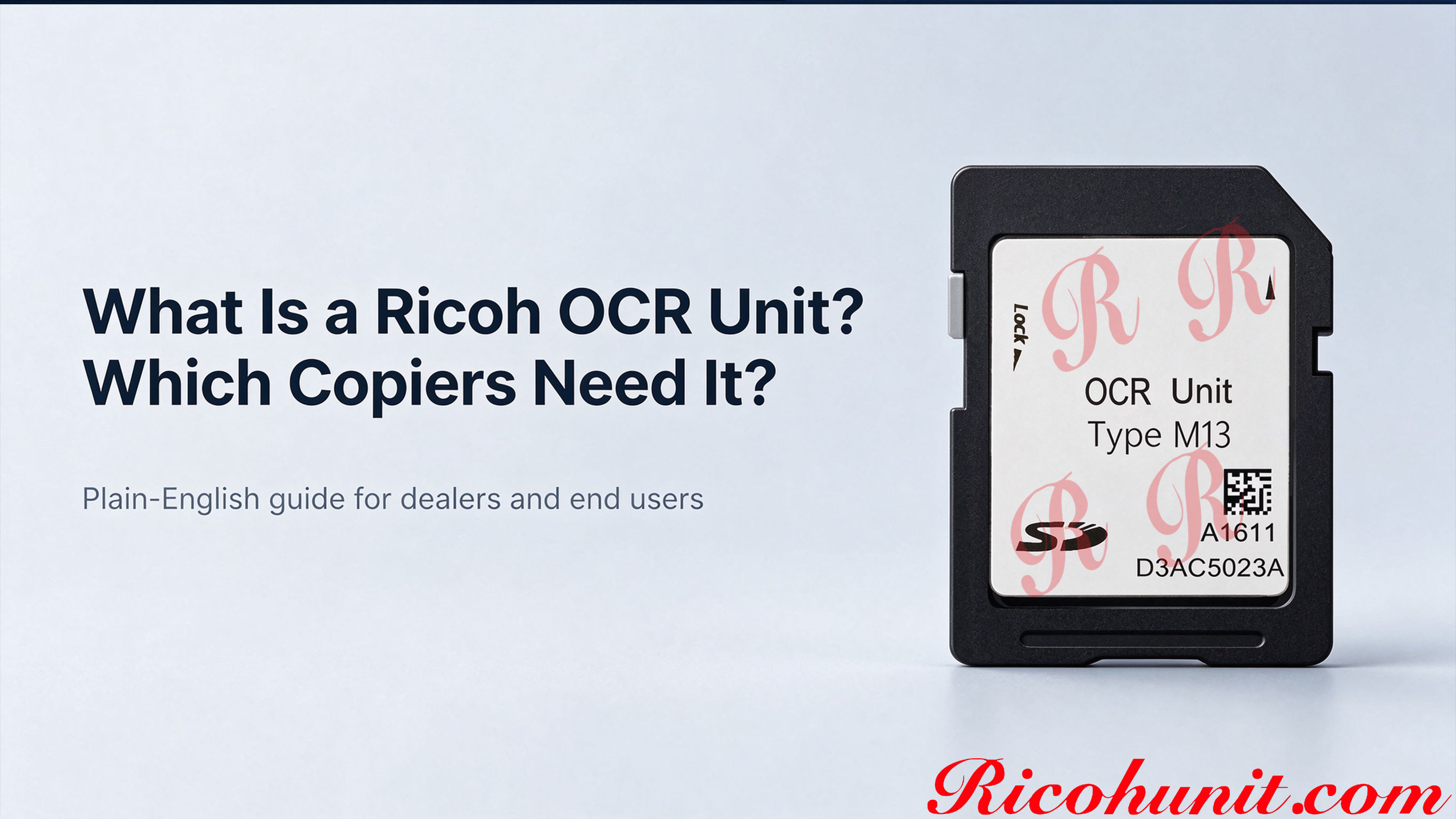
What Is a Ricoh OCR Unit and Which Copiers Need It?
What Is a Ricoh OCR Unit and Which Copiers Need It?
You have probably heard of Ricoh PostScript3 Units, the option card that unlocks genuine PostScript printing. The OCR Unit is a smaller product line, but for the right customer it matters just as much. Here is the plain-English version: what OCR does on a Ricoh copier, how scanned files change with it, and which machines may need the optional card.
What Is OCR?
OCR stands for Optical Character Recognition. Without OCR, when you scan a paper document on a Ricoh copier, the machine saves it as an image - a PDF that looks like a photograph of the paper. You cannot search it, copy-paste from it, or edit the text.
With an OCR Unit installed, the machine reads the text during the scan job and saves a searchable PDF. You can Ctrl+F for a name, copy and paste paragraphs, and index the file in a document system.
Which Ricoh Machines Need an OCR Unit?
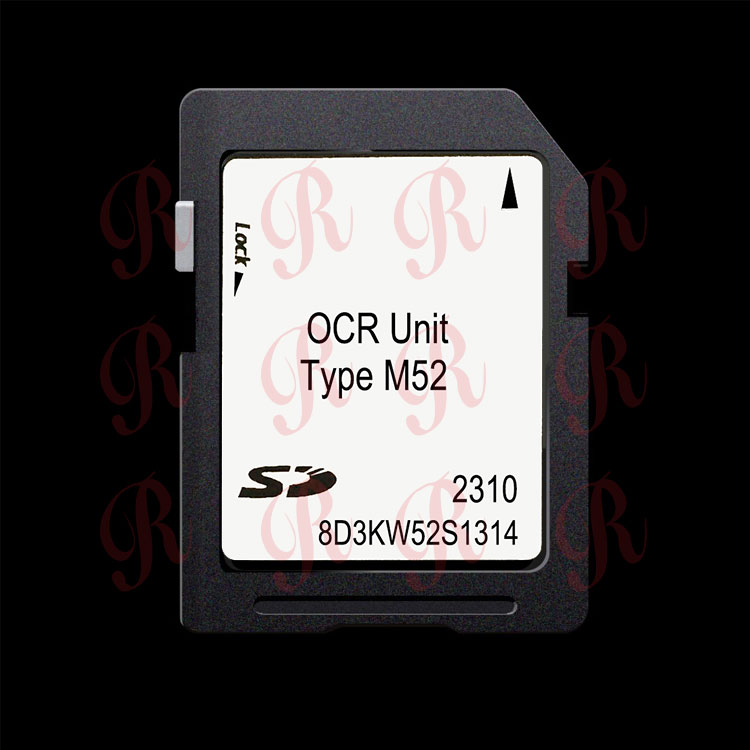
Not every copier ships with OCR built in. On many Ricoh MFPs, OCR is an optional SD card, and the exact type depends on the machine generation. Common matches in our range include:
|
OCR Unit Type |
Typical Use |
Note |
|
Certain Ricoh IM / MP generations |
Match by exact machine model; confirm before ordering. |
|
|
Earlier Ricoh generations |
Match by exact machine model; confirm before ordering. |
|
|
Selected Ricoh families |
Match by exact machine model; confirm before ordering. |
|
|
Other Ricoh model |
Send the exact model for confirmation |
OCR cards are model-specific and are not interchangeable. |
If a customer asks, "Can I search this scanned PDF?" and the answer is no, their machine likely does not have OCR installed. The machine model name from the operation panel is the fastest way to check which type applies.
Who Actually Needs OCR?
- Law firms and legal offices - they scan thousands of documents and need to find them fast.
- Accounting firms - invoices and receipts must be searchable after scanning.
- Healthcare and clinics - patient records require searchable PDFs for retrieval.
- Large enterprises - document management systems rely on searchable scans.
Smaller offices can often live without it. But if a customer complains "I scanned 500 pages and now I cannot find anything," they are usually describing a missing OCR option.
What the OCR Unit Does
- Converts scanned images into searchable, selectable PDFs during the scan job.
- Works in the background; the user presses scan and receives a searchable file.
- Language support depends on the machine firmware, so confirm the required languages before ordering.
- Runs on the copier itself; no PC or external scanning software is required.
OCR Unit vs PostScript3 Unit
|
|
OCR Unit |
PostScript3 Unit |
|
Handles |
Scanning |
Printing |
|
What it unlocks |
Searchable, selectable scanned PDFs |
Reliable PostScript output for layered PDFs and graphics |
|
Installation |
Optional SD-card module on the controller |
Optional SD-card module on the controller |
|
Need both? |
A machine can have either one, or both depending on the workload. |
Same on the printing side; the two options are sold separately. |
FAQ
Is OCR the same as PostScript3?
No. PostScript3 handles printing; OCR handles scanning. They are separate optional cards, and a machine may have one or both.
Can I add OCR later?
Yes. It is an SD-card-style module that plugs into the controller, the same way a PostScript3 unit is installed.
Which OCR Type fits my machine?
Send us your exact Ricoh model name, and we will confirm whether it matches Type M13, Type M2, Type M52 or another available type.
Does OCR edit the original document?
No. OCR adds a searchable text layer over the scanned image; the original scan remains intact.
Do you supply OCR Units for wholesale orders?
Yes. Dealers, refurbishers and service companies can send the machine models and required quantity for a wholesale quotation.
Contact ricohunit.com for wholesale pricing: [email protected]