
 English
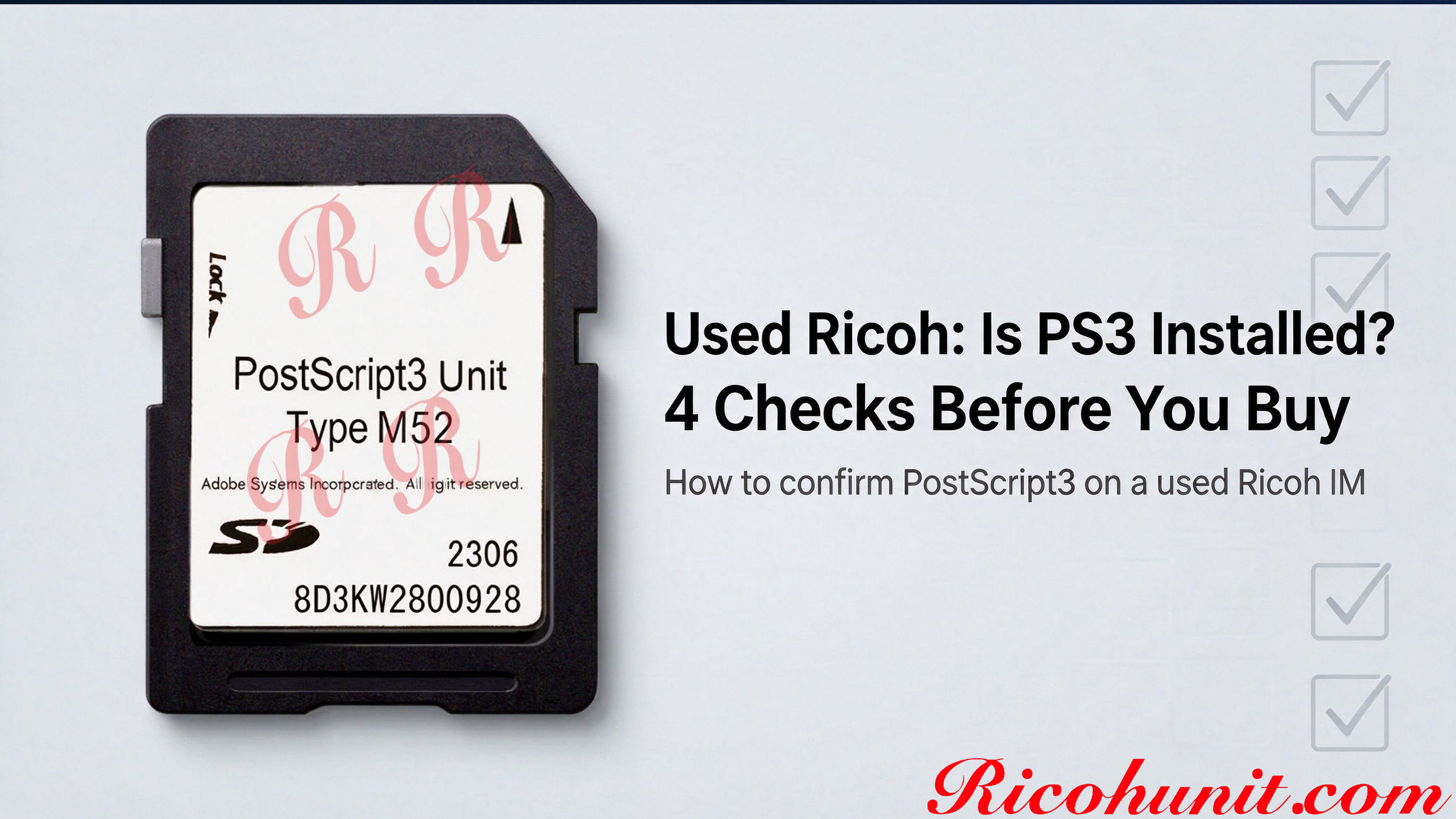
How to Confirm Whether a Used Ricoh IM Already Has PostScript3 Installed
How to Confirm Whether a Used Ricoh IM Already Has PS3 Installed
Most used Ricoh MFPs leave the previous owner in a base configuration, and the PostScript3 option is one of the items that may be missing. Before you pay for a used machine, it pays to verify PS3 status on the actual unit rather than trusting a general product description. This guide walks through four checks you can run on site or ask the seller to show you.
Why This Check Matters
A machine without the PostScript option can still handle plain office printing, but layered PDFs, vector logos and color proofs may substitute fonts, shift shapes or drift in color. PS3-enabled machines are also easier to resell later, because print shops, design studios and legal offices often ask for PostScript3 by name. If the option is absent, you can source the matching unit separately once you know the exact machine family.
Four Checks Before You Buy
|
Check |
Where to Look |
What You Should See |
|
1. Read the exact model |
Open the machine information screen on the operation panel. |
Full model name and any suffix, e.g. IM C3510 or IM 460F. |
|
2. Check the option menu |
User Tools > Machine Features > Option. |
A PostScript-related entry listed as installed. |
|
3. Check the printer driver |
Connect the machine and open the driver selection list on a PC. |
A PostScript3 driver choice appears alongside PCL. |
|
4. Run a print test |
Print a layered PDF, a vector logo and one color page. |
Font edges, shapes and color match the source file without substitution or shift. |
What If PS3 Is Not Installed?
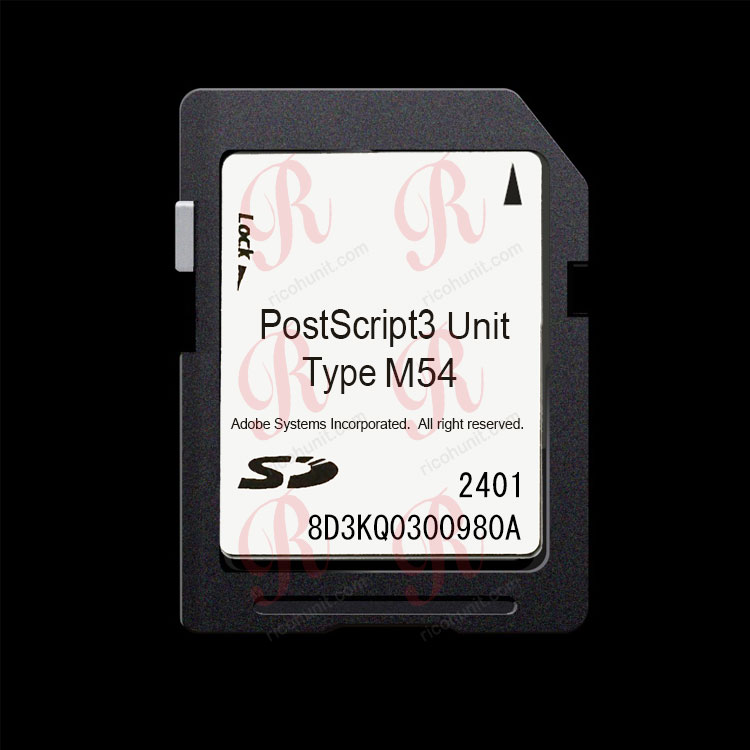
If the option menu shows no PostScript entry and the driver offers no PS3 choice, the machine likely needs the matching PostScript3 Unit. Match the unit to the machine family before ordering; cards are not interchangeable between generations.
|
Machine Family |
Matching Unit Type |
|
IM 370 / IM 370F / IM 460F / IM 460FTL |
|
|
IM C2510 / C3010 / C3510 / C4510 / C6010 |
|
|
IM 2500 / 3000 / 3500 / 4000 / 5000 / 6000 (B&W) |
|
|
IM C2000 / C2500 / C3000 / C3500 / C4500 / C6000 |
|
|
Other Ricoh model |
Send the exact model for confirmation |
Questions to Ask the Seller
- Is PostScript3 installed on this machine, and is it a genuine option or an emulation product?
- Can you show the Option menu screen, or print the option list, before purchase?
- May I send one test PDF to print before pickup or payment?
- Does the machine report the PostScript3 driver when connected to a PC?
FAQ
Can a used Ricoh print PDFs without PS3?
Simple text PDFs often print acceptably without PostScript3. Complex layered PDFs, vector logos and color proofs carry a higher risk of substituted fonts, shifted shapes or color drift.
If the spec sheet mentions PostScript, does that mean it is installed?
Not necessarily. Specs list what the controller can support with the right option; the option itself may be absent. Verify the installed option on the actual machine.
Is an emulation product the same as installed PS3?
No. Emulation tries to mimic PostScript behavior in firmware. Basic office prints may look fine, but graphics jobs still carry reflow and substitution risk, and it usually will not appear as a genuine installed option.
Which unit do I buy if PS3 is missing?
Match the unit type to the machine family shown in the table above. If you are unsure of the generation, send the exact model name for confirmation.
Do you supply replacement units for used machines?
We supply genuine Ricoh PostScript3 Units by machine type to dealers, refurbishers and service companies. Send your machine models and quantity for a wholesale quote.
Contact ricohunit.com for wholesale pricing: [email protected]