
 English
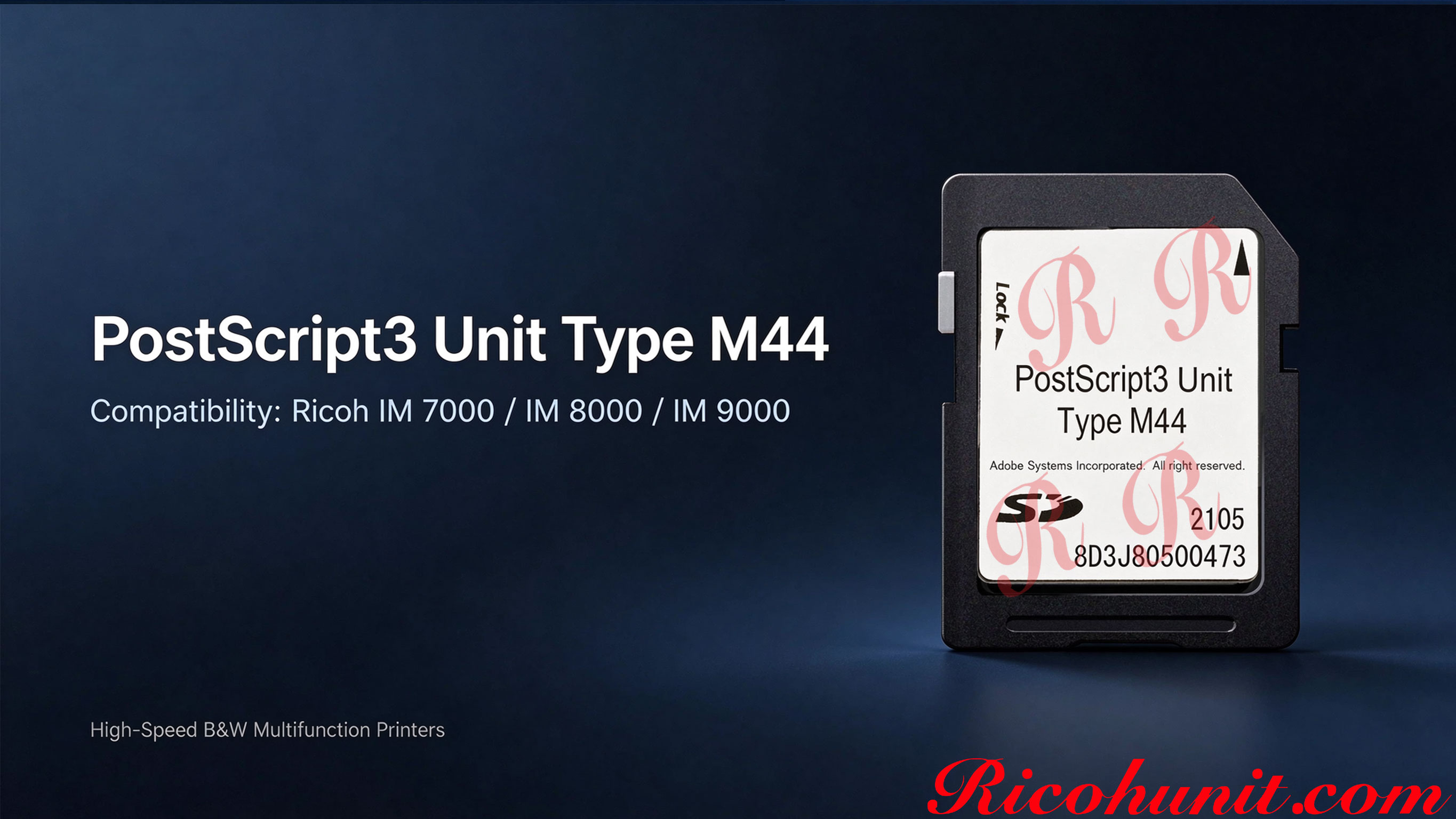
Type M44 PostScript3 Unit for Ricoh IM 7000 / IM 8000 / IM 9000: Compatibility Guide
Type M44 PostScript3 Unit: Does It Fit the Ricoh IM 7000 / 8000 / 9000?
The Ricoh IM 7000, IM 8000 and IM 9000 are high-speed black-and-white multifunction printers used in busy print rooms, central repro departments and large office workflows. Like many Ricoh machines, these units may leave the factory without the PostScript printing option installed. This guide explains which PostScript3 Unit matches this family, what the option adds to output quality, and how to confirm the match before you order.
What the Type M44 PostScript3 Unit Is
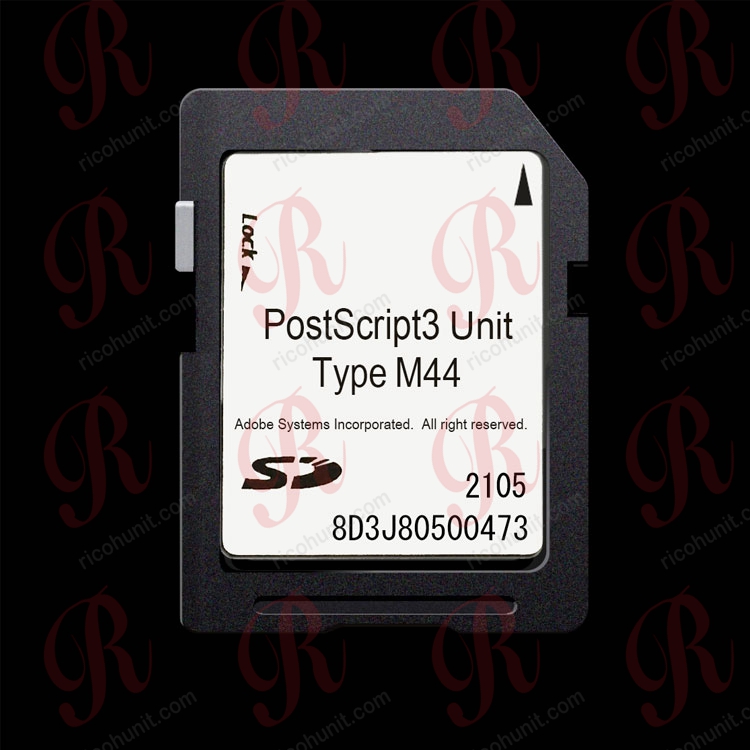
The PostScript3 Unit is an SD-card-style option module that enables Adobe PostScript3 printing on the compatible Ricoh controller. With PostScript3 active, layered PDFs, vector logos, forms and color proofs keep their fonts and shapes more reliably when printed. Without the option, the machine may still handle plain office documents, but complex graphics jobs carry a higher risk of font substitution, shifted shapes or color drift.
PostScript3 Units are model-specific: a card built for one Ricoh family will not activate on another generation or machine class, so matching the type to the exact machine model is the most important step before purchasing.
Compatibility: IM 7000 / IM 8000 / IM 9000
The Type M44 is listed for the Ricoh high-speed B&W multifunction printer family below:
|
Machine Model |
Matching Unit Type |
Machine Class |
|
Ricoh IM 7000 |
High-speed black-and-white MFP |
|
|
Ricoh IM 8000 |
High-speed black-and-white MFP |
|
|
Ricoh IM 9000 |
High-speed black-and-white MFP |
|
|
Other Ricoh model |
Send the exact model for confirmation |
Cards are not interchangeable between families. |
Always read the full model name and any suffix from the operation panel before ordering. If the machine belongs to a different IM generation, it usually uses a different unit type rather than Type M44.
How to Confirm the Match Before You Buy
|
Check |
Where to Look |
What to Confirm |
|
1. Read the exact model |
Open the machine information screen on the operation panel. |
Full model name and suffix, e.g. IM 8000 or IM 9000. |
|
2. Check the option list |
User Tools > Machine Features > Option. |
Whether a PostScript entry is already installed. |
|
3. Match the family |
Compare the model with the compatibility table above. |
The machine belongs to the IM 7000 / 8000 / 9000 high-speed B&W family. |
|
4. Send the model for confirmation |
Provide the exact model name in your inquiry. |
We confirm the matching unit type and availability before shipment. |
Who Usually Needs This Upgrade
- Print rooms and repro departments that run layered PDFs, forms and vector artwork at high volume.
- Dealers and refurbishers who pre-install the matching option before reselling used high-speed Ricoh MFPs.
- Service companies that replace missing or failed PostScript options during maintenance or upgrade jobs.
- Offices where customers have reported substituted fonts, shifted logos or unreliable PDF output.
FAQ
Does Type M44 fit the Ricoh IM 7000, IM 8000 and IM 9000?
Type M44 is listed for this high-speed B&W multifunction printer family. Confirm the exact model suffix on the machine before ordering, since cards are matched by machine family.
Will Type M44 work on Ricoh IM C color models?
No. Color MFPs belong to different families and use other unit types. Send the exact color model name if you need a match for those machines.
Is the PostScript3 Unit the same as an OCR Unit?
No. PostScript3 handles printing; the OCR Unit handles scanning and searchable PDFs. They are separate optional cards, and a machine may need either one or both.
Can the option be added after the machine is already in use?
Yes. The unit is an SD-card-style module installed on the controller; it can be added later if the machine is missing the option.
Do you supply Type M44 for wholesale orders?
Yes. Dealers, refurbishers and service companies can send the machine models and required quantity for a wholesale quotation.
Contact ricohunit.com for wholesale pricing: [email protected]