
 English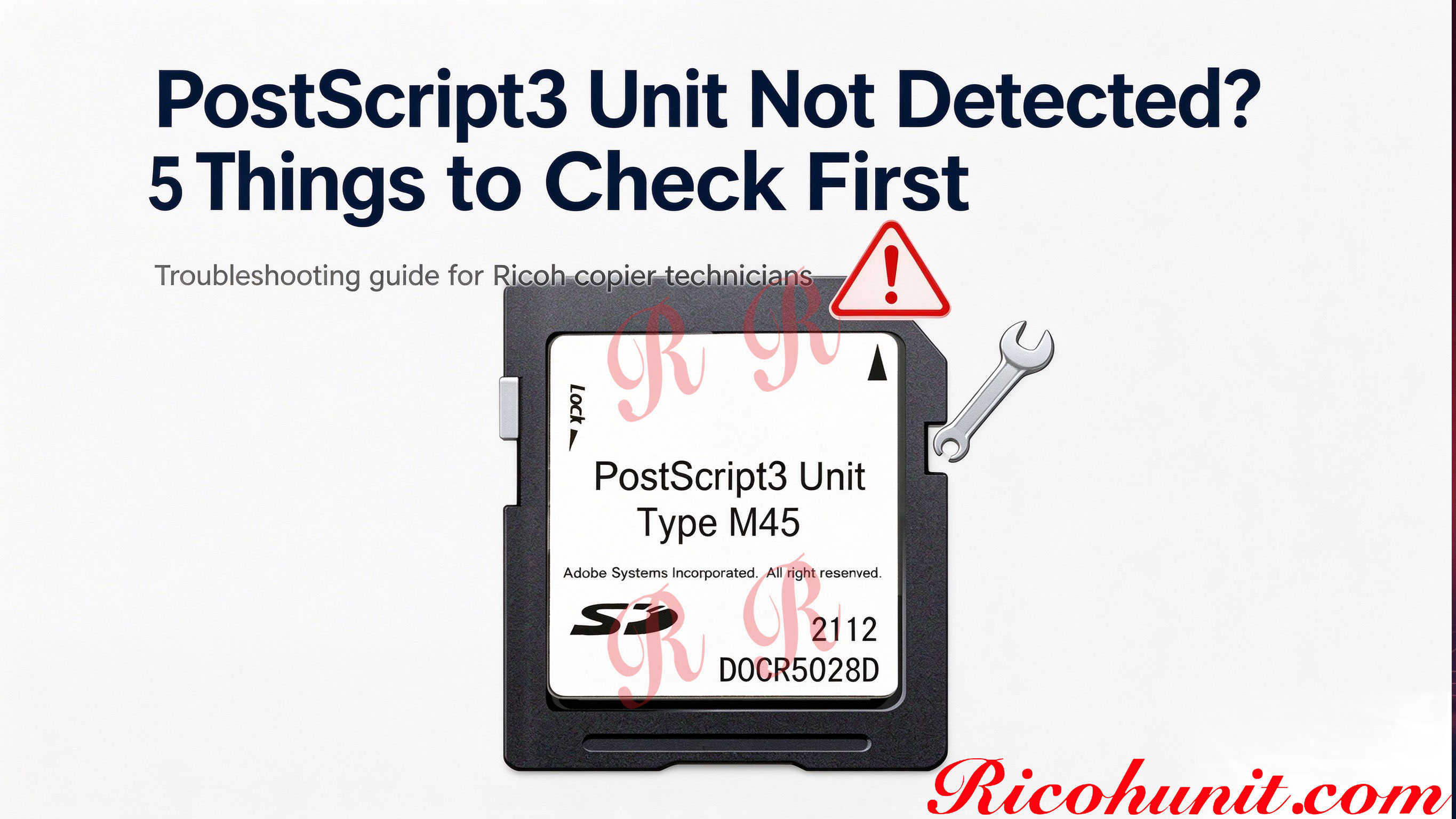
Ricoh PostScript3 Unit Not Detected: 5 Fixes
Ricoh "PostScript3 Unit Not Detected": 5 Things to Check First
You just installed a new PostScript3 SD card into a Ricoh copier. You rebooted. But under User Tools → Machine Features → Option, the PostScript3 line still says "Not Installed."
Before you assume the card is dead, go through these 5 checks. Most "not detected" problems are simple.
1. Did you insert it in the right slot?
Ricoh controllers usually have multiple SD slots — one for system firmware, one for optional PostScript, one for Fax, one for Font. The PS3 slot is labeled on the controller board (small text next to the slot). If you put the card in the wrong slot, the machine will boot fine but won't recognize it as PostScript.
Fix: Power off, open the controller cover, check the label next to each slot, move the card to the correct one.
2. Is the card fully seated?
SD cards can be tricky to push all the way in. It should click. If it's only halfway in, the machine may power up but not read the contacts.
Fix: Power off, pull the card out, blow out the slot, reinsert firmly until you feel a click.
3. Did you reboot the right way?
Just turning the machine off and on at the main switch is not always enough. Some Ricoh controllers require a full cold boot: power off, wait 30 seconds, then power on.
Fix: Power off at the main switch. Wait 30 seconds. Power on and wait for the machine to fully boot (2–3 minutes).
4. Is the card Type correct for this machine?
A Type M54 card will not work in an IM C2510. A Type M52 card will not work in an IM 370. If you bought the wrong Type, the machine won't detect it as a compatible option.
Fix: Double-check the machine model against the Type compatibility list. When in doubt, send us your machine name and we'll confirm.
5. Is the card actually a genuine Ricoh PostScript3 Unit?
Third-party "PS3 compatible" cards exist. Some work, some don't, and some only work on specific firmware versions. If the card you bought is not a genuine Ricoh unit, the machine may simply not recognize it.
Fix: Check the SD card label. Genuine Ricoh units have a printed label with "Adobe Systems Incorporated" and an EDP code.
When to give up and return it
If you've tried all 5 checks and the machine still says "Not Installed" under Option, the card is likely defective. Contact the seller for a replacement or refund.
FAQ
Q: Does the machine need a firmware update to recognize a new PS3 unit? A: Usually not. Genuine PostScript3 units are recognized automatically on boot.
Q: Can I test the card in another machine? A: Yes — if you have a spare compatible Ricoh MFP, try the card there. If it works on the second machine, the issue is with the first machine's slot or configuration.
Q: How long does installation take? A: 10–15 minutes including opening the controller cover and rebooting.