Ricoh PostScript3 Unit Type M52: Which Ricoh Printers Does It Fit?
If you've picked up a used Ricoh IM C2510, C3010, C3510, C4510 or C6010 color MFP and the genuine Adobe PostScript option is missing, the card you need is the PostScript3 Unit Type M52 (EDP code 419416). It is an SD-card-style module that plugs into the controller and unlocks the real Adobe PostScript 3 interpreter on the machine.
Below is the full compatibility list, what the card actually does once installed, and what resellers should know before buying in bulk.
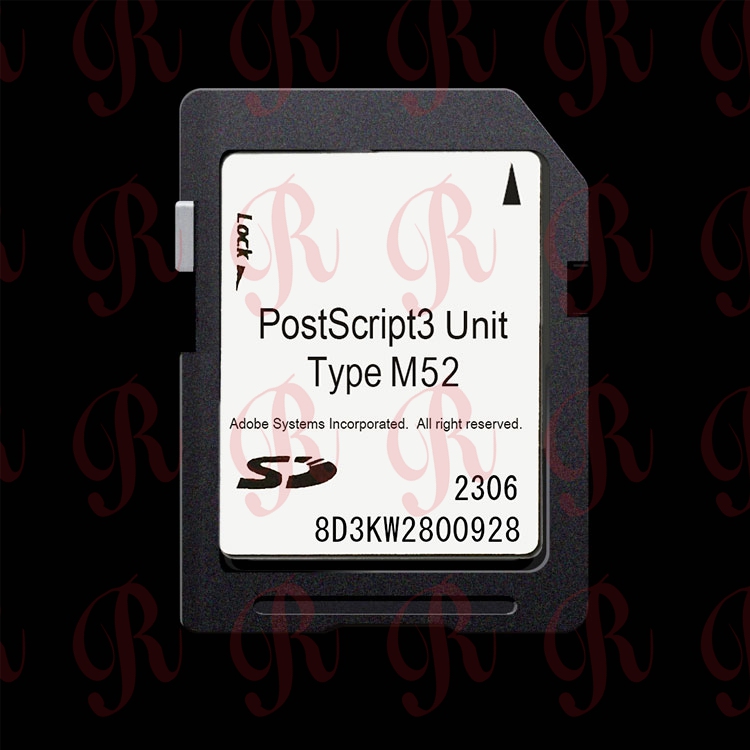
Which Ricoh printers does Type M52 fit?
Type M52 is designed for Ricoh's IM C 500/6000-series color MFPs:
表格
| Machine Model |
Type |
PostScript Option Needed |
EDP Code |
| Ricoh IM C2510 |
Color MFP |
Type M52 |
419416 |
| Ricoh IM C3010 |
Color MFP |
Type M52 |
419416 |
| Ricoh IM C3510 |
Color MFP |
Type M52 |
419416 |
| Ricoh IM C4510 |
Color MFP |
Type M52 |
419416 |
| Ricoh IM C6010 |
Color MFP |
Type M52 |
419416 |
Do not confuse Type M52 with Type M54, M45, M44 or M37 — those are built for other Ricoh generations and are not interchangeable. If you own an IM 370 / 460F, that machine needs Type M54 instead.
What does Type M52 actually do?
- Adds a genuine Adobe PostScript 3 RIP, replacing the machine's default PS3 emulation.
- Complex color PDFs, Illustrator files, Photoshop proofs and PDF/X jobs render exactly as designed — no swapped fonts, no shifted logos, no color drift.
- Adds Adobe PDF Direct Print and additional font support.
- Machine reports "PostScript3" as installed under User Tools → Machine Features → Option.
- Raises resale value: print shops, design studios, ad agencies and legal offices specifically ask for "PS3 enabled" Ricoh color MFPs.
Specifications
表格
| Item |
Detail |
| Product Name |
PostScript3 Unit Type M52 |
| Ricoh EDP Code |
419416 |
| Form Factor |
SD card module |
| Type |
Genuine Adobe PostScript 3 |
| Original Ricoh MSRP |
USD 589.00 |
| Stock |
In stock for wholesale |
How to install Type M52
- Power the MFP off and unplug for 30 seconds.
- Open the controller-side cover; insert the SD card into the marked PS3 slot, label facing out.
- Power on and let the machine detect the option during boot.
- Confirm under User Tools → Machine Features → Option → PostScript3: "Installed".
FAQ
Q: Does Type M52 work on IM C2000 / C2500 / C3000? A: Those are the older C-series and take a different Type (M45 or M37 depending on exact generation). Send us your machine name and we'll confirm.
Q: Is it plug-and-play? A: Yes — insert the SD card and reboot; no firmware flashing needed.
Q: Do you sell in bulk? A: Yes. We supply distributors, refurbishers and copier dealers worldwide.
Contact ricohunit.com for wholesale pricing


 English