
 English
Genuine vs Emulation PostScript3 Unit for Ricoh: Reseller Buying Guide
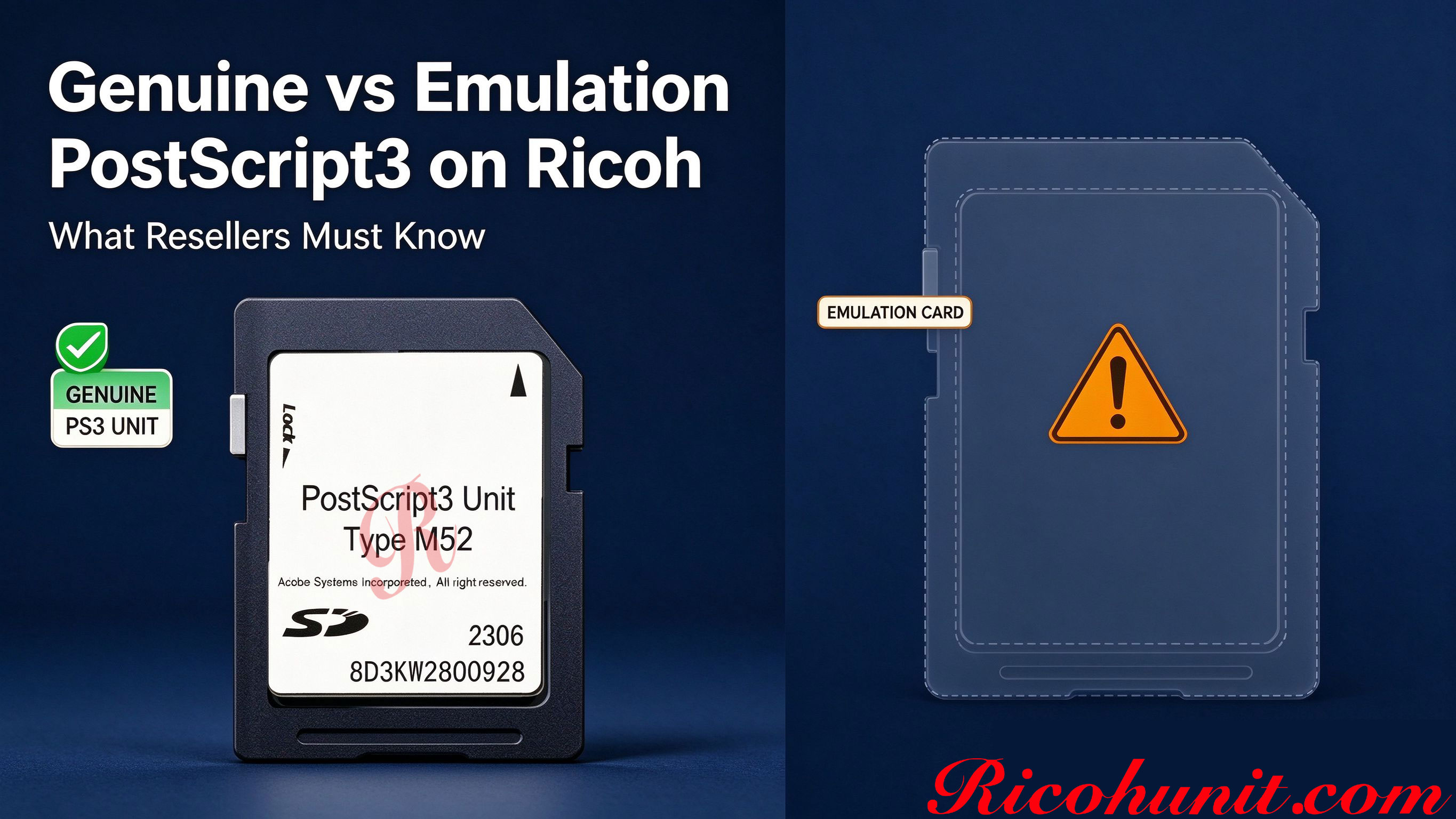
Genuine vs Emulation PostScript3 on Ricoh: What Resellers Must Know
When you source Ricoh PostScript3 Units for resale, refurbishing or dealer stock, the item you actually receive rarely carries a clear label reading "genuine" or "emulation". Two very different product lines sit under the same search phrase, and the wrong choice creates support tickets, customer complaints and weaker resale value. This guide compares the two for resellers and refurbishers: what each one is, where each one fits, and how to verify what you buy before you list it.
What a Genuine Ricoh PostScript3 Unit Is
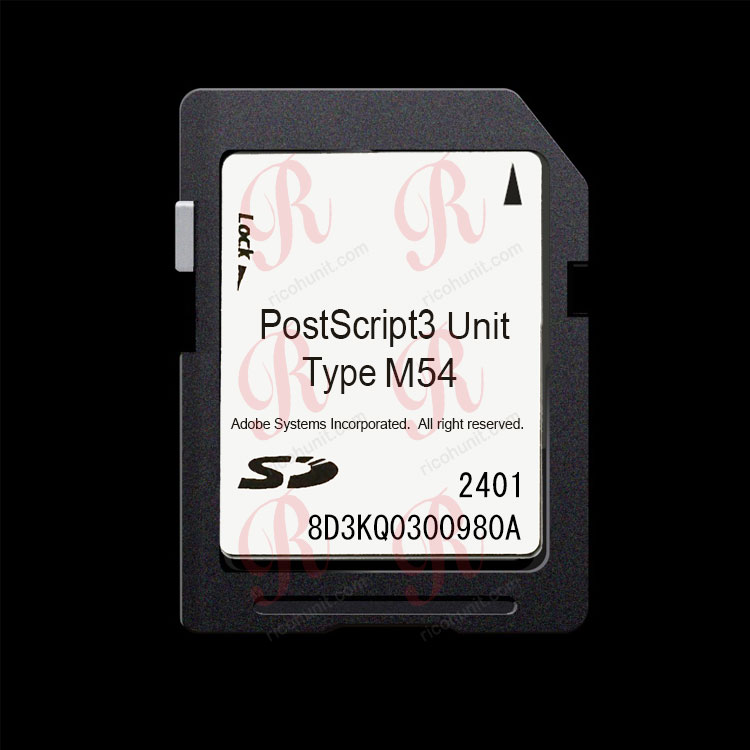
A genuine PostScript3 Unit is the official Ricoh option module, delivered as a small SD-card-style board such as Type M29, M37, M45, M52 or M54, depending on the machine family. Once installed on a matching machine, the PostScript3 driver option becomes available, the controller reports PostScript support, and pages are rendered through the printer-side PostScript path. Embedded fonts, vector outlines and color-managed graphics keep their structure, and output stays consistent when the job comes from different computers or software packages.
The type number must match the exact machine family. A module made for one generation of Ricoh MFPs will not activate correctly on another family, so model verification is the first sourcing step.
What an Emulation PostScript Card Is
An emulation card or emulation firmware tries to imitate PostScript commands without the licensed PostScript interpreter, and builds output through a host-based or PCL-like path. On simple Word, Excel and plain-text jobs it can look acceptable. The moment the customer sends a layered PDF, an EPS file, an Illustrator or CAD drawing, or a color proof, the result may substitute fonts, reflow logos, shift vector edges or drift in color. Such cards are usually not reported as an official installed option in the machine service list, and driver or remote-management tools may not recognize them.
Side-by-Side Comparison
|
Comparison Point |
Genuine PS3 Unit |
Emulation Card |
|
Everyday Word / Excel / text prints |
Renders through the PostScript path; stable output |
Usually acceptable on simple office documents |
|
Layered PDF, EPS, Illustrator, CAD files |
Printer-side rendering preserves embedded fonts and vector shapes |
Rendering depends on the host PC; risk of font substitution and reflow |
|
Shown in User Tools > Machine Features > Option |
Typically recognized as an installed PostScript option |
Usually not reported as an official option |
|
Mac, design software and ERP compatibility |
PostScript3 driver option available for matching machines |
Driver support varies by the third-party product |
|
Color graphics and proofs |
Consistent page description across source computers |
Color shift and substitution possible on graphics jobs |
|
Refurbished-machine resale story |
Print shops, legal offices and design buyers often ask for genuine PS3 |
Lower perceived value; must be disclosed honestly to the buyer |
|
Upfront cost per unit |
Higher per unit |
Lower upfront price |
|
Best-fit customer |
Print shops, design studios, legal firms, graphics workflows |
Small offices printing mainly text and simple PDFs; disclose limits |
Which Should You Stock?
For machines destined for print shops, design studios, architecture offices or legal departments, stock the genuine option. For small offices that print mostly text and simple PDFs, an emulation alternative can be quoted only after the customer understands its limits. Never advertise an emulation product as a Ricoh genuine unit; that creates misrepresentation risk and returns. Keep the machine-family match exact, and keep source and part records for every bulk order.
How to Verify a Unit Before You List It for Sale
1. Match the type number to the exact machine family: Type M54 for the IM 370 / 460F series, Type M52 for the IM C2510 to C6010 family, Type M45 for the IM 2500 to 6000 black-and-white family; send unknown models for confirmation.
2. Install it on a matching test machine and open User Tools > Machine Features > Option to confirm recognition.
3. Confirm the driver offers the PostScript3 choice after the hardware is installed.
4. Print a real test set: a multi-layer PDF, a vector logo and a color page; compare font edges, shapes and color consistency.
5. Keep the type labeling and source records with the batch so your downstream buyer receives a clear description.
FAQ
What is the main difference between a genuine PS3 unit and an emulation card?
A genuine unit uses the licensed PostScript rendering path recognized by the Ricoh controller; an emulation product imitates PostScript commands through a host-based path. The difference shows up on complex PDFs, vector graphics, option-list recognition and resale value.
Can an emulation card work on every Ricoh model?
No. Hardware and firmware must match the machine generation, and an unverified third-party product cannot be promised for an unnamed model. Send the exact machine model before ordering.
Which customers should be sold a genuine unit?
Print shops, design and architecture studios, legal firms, and anyone who regularly prints layered PDFs, EPS, CAD or color proofs.
Is a genuine unit always the higher-priced choice?
It usually costs more per unit, but compare the total cost including returns, complaints and lower resale value. Unsupported discount claims should not be made without a confirmed price list.
How can ricohunit.com help with wholesale orders?
We supply genuine Ricoh PostScript3 Units by machine type to distributors, refurbishers and copier dealers. Share the target machine types and quantity, and wholesale pricing is provided on request.
Contact ricohunit.com for wholesale pricing: [email protected]