
 English
Refurbishing Used Ricoh Copiers? PostScript3 Option Checklist for Resellers
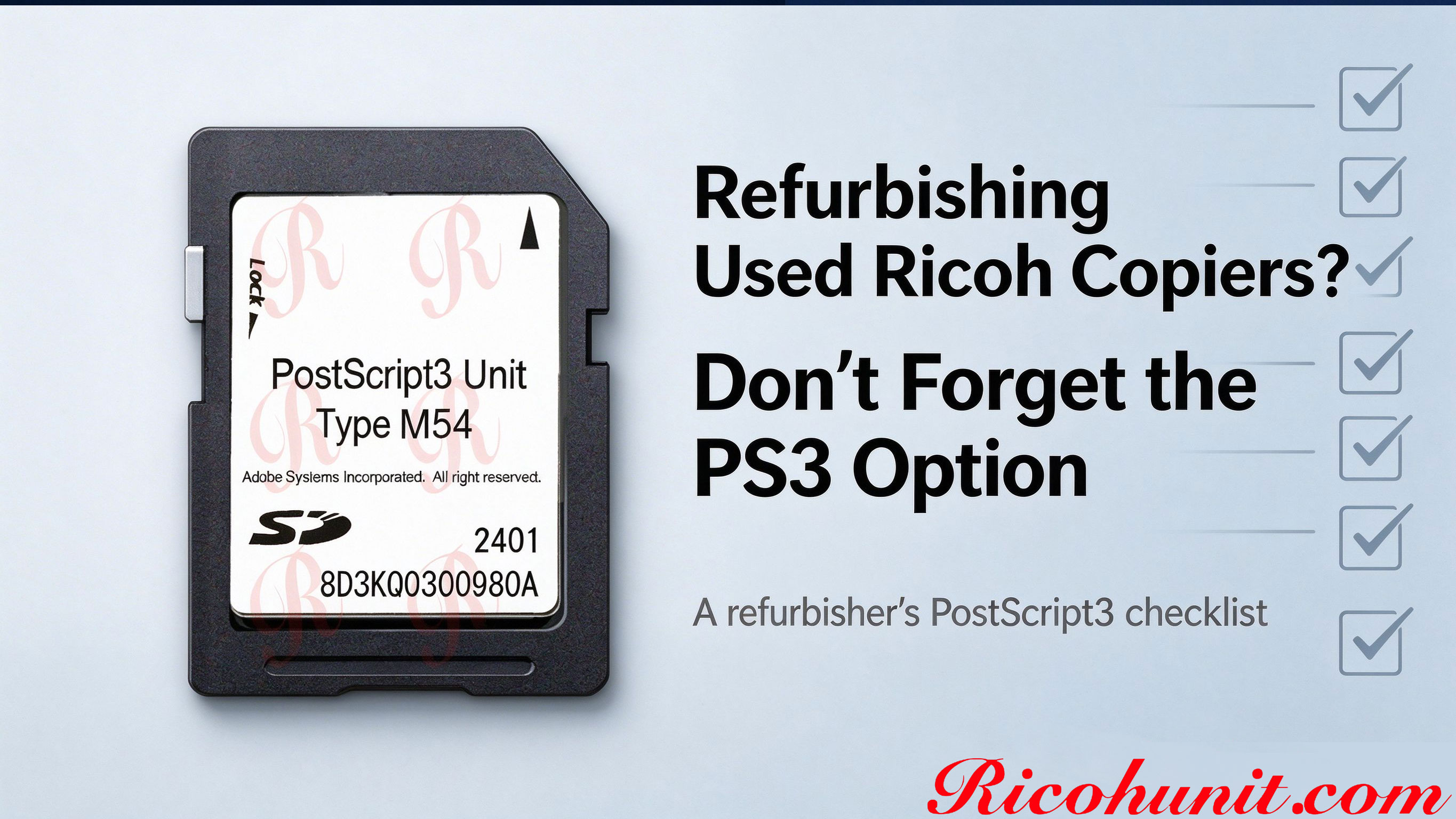
Refurbishing Used Ricoh Copiers? Don't Forget the PostScript3 Option
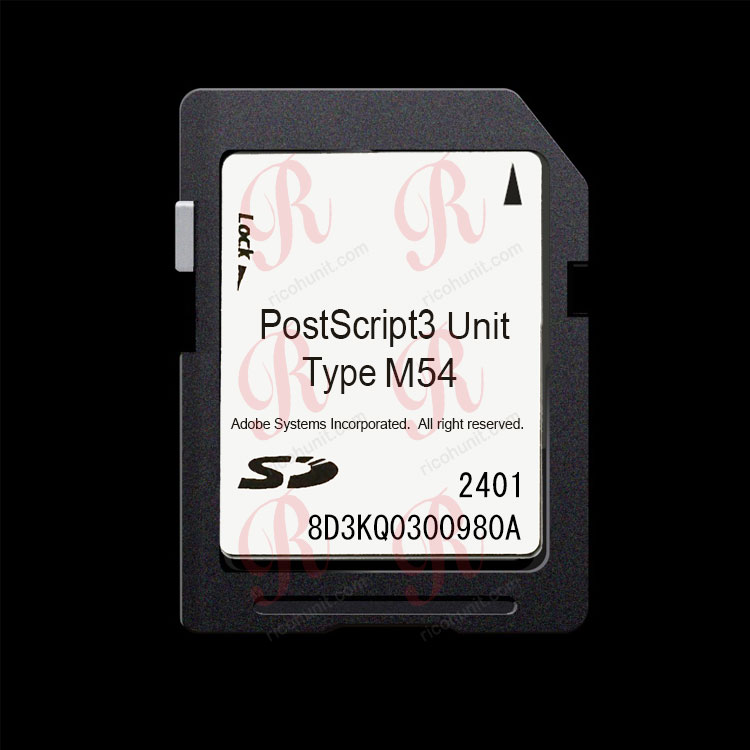
Most used Ricoh MFPs arrive in a base configuration: no finisher, no fax, and often no PostScript option. If you refurbish and resell these machines, the missing PostScript3 Unit is one of the details that decides whether a graphics-focused buyer will take the machine. This checklist walks you through checking PS3 status before you list a refurbished Ricoh.
Why PS3 Status Matters in Refurbished Stock
Print shops, design studios, architecture offices and legal firms often ask specifically whether a used Ricoh has PostScript3 enabled. A machine without the option can still serve plain-text office work, but complex PDFs, vector logos and color proofs may print with substituted fonts, shifted shapes or color drift. Pre-installing the correct genuine unit can make the machine easier to sell, but the option must be tested and described honestly in your listing.
Six-Step Refurbisher Checklist
|
Step |
What to Check |
How to Record It |
|
1. Identify the exact machine |
Read the full model name and any suffix from the operation panel system information screen. |
Write down the exact model before matching any unit type. |
|
2. Check installed options |
Open User Tools > Machine Features > Option and look for a PostScript-related installed option. |
Record whether PostScript3 is listed as installed or absent. |
|
3. Test a real complex PDF |
Print a layered PDF, a vector logo and a color page; compare output across two source computers if possible. |
Note swapped fonts, shifted logos, broken lines or color drift. |
|
4. Match the unit type |
Match the machine family to the correct PostScript3 Unit type; do not guess by appearance. |
Record the required type number for any missing option. |
|
5. Install and verify |
Insert the matching genuine unit, reboot, then confirm the option in the menu and the PostScript3 driver choice on the PC. |
Re-run the complex PDF test after installation. |
|
6. Disclose PS3 status in the listing |
State honestly whether a genuine PostScript3 Unit is installed; do not describe an emulation product as genuine. |
Keep type number, machine family and test result with the batch record. |
Common Signs the PS3 Option Is Missing
If a refurbished machine shows any of the following on graphics jobs, the PostScript option should be checked before sale:
- Fonts look replaced or characters break up on PDFs.
- Logos or line drawings shift position between prints.
- Color output looks dull or differs from the screen.
- The driver menu offers no PostScript3 choice.
Which Units to Keep for Common Ricoh Families
|
Machine Family |
Suggested Unit Type |
Note |
|
IM 370 / IM 370F / IM 460F / IM 460FTL |
Desktop black-and-white family |
|
|
IM C2510 / C3010 / C3510 / C4510 / C6010 |
Color mid-family |
|
|
IM 2500 / 3000 / 3500 / 4000 / 5000 / 6000 (B&W) |
High-volume monochrome family |
|
|
IM C2000 / C2500 / C3000 / C3500 / C4500 / C6000 |
Older IM C color generation |
|
|
Any other Ricoh model |
Send the exact model for confirmation |
Do not guess the type number; a mismatched module will not activate. |
FAQ
How do I know if a used Ricoh already has PS3 installed?
Check User Tools > Machine Features > Option for a PostScript-related entry, and look for the PostScript3 choice in the printer driver. If neither shows it, the option is likely absent.
Can I sell a refurbished machine without PS3?
Yes, but describe it honestly. Machines without PS3 suit plain-text office use; graphics-focused buyers should be told the option is missing.
Is an emulation card enough for refurbished resale?
Simple office documents may print acceptably, but layered PDFs, vector logos and color proofs still carry substitution and shift risk. Disclose the product type honestly to the buyer.
Should I test the machine before listing?
Yes. Run one complex PDF, one vector logo and one color page. The result tells you whether the controller or driver settings, rather than a missing option, are the cause.
Do you supply replacement units for refurbishers?
We supply genuine Ricoh PostScript3 Units by machine type to dealers, refurbishers and service companies. Send the machine models and quantity for a wholesale quote.
Contact ricohunit.com for wholesale pricing: [email protected]